Privacy-first printing
Print documents without sharing your phone number.
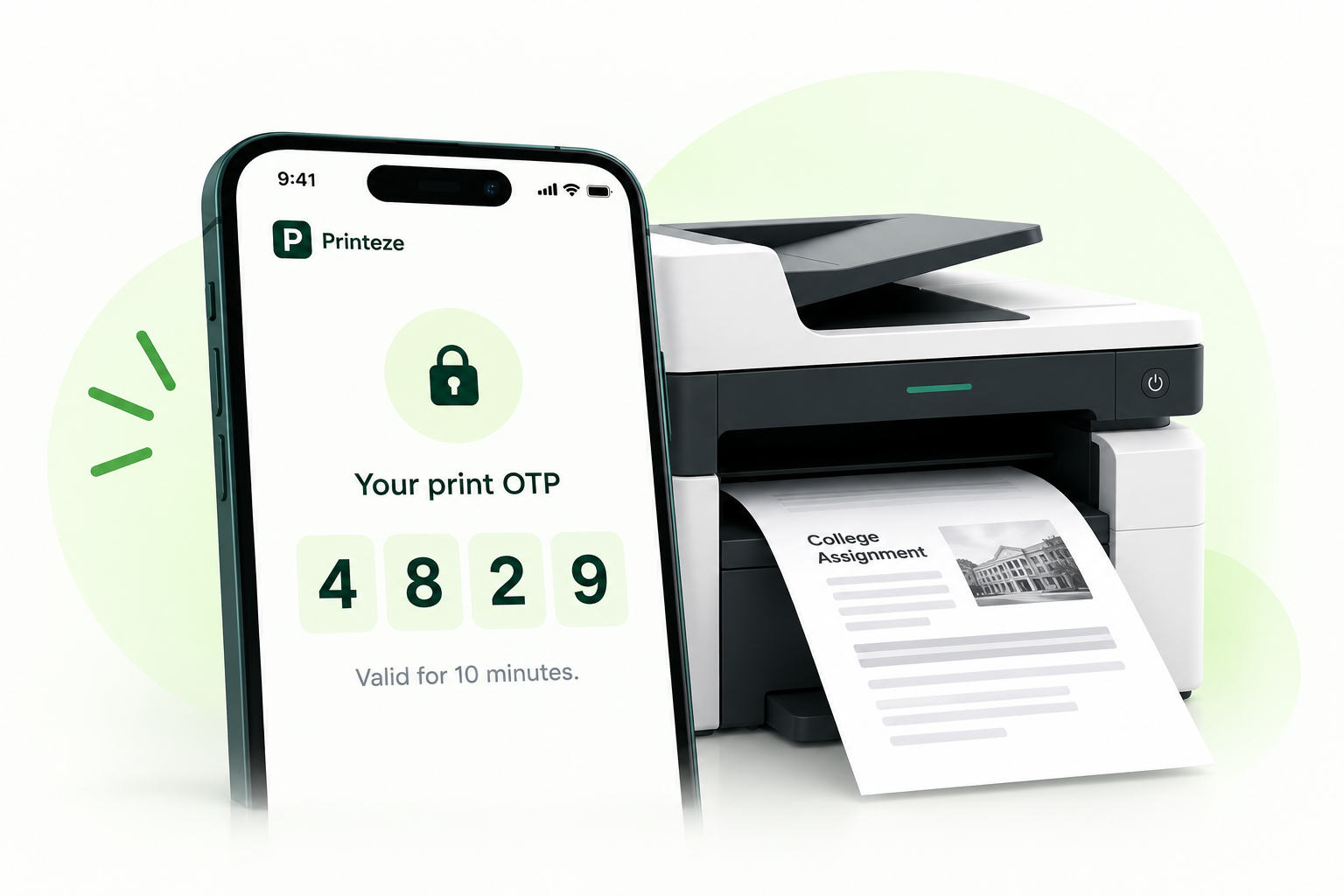
Scan a shop's QR code, upload your documents, choose print settings, and receive a 4-digit OTP to collect your prints. No phone number needed.
Your Privacy, Our Priority
Files Auto-Delete After Printing
Secure 4-digit OTP
HOW IT WORKS
From your device to the printer in 4 simple steps
Print privately with a simple QR workflow.
♢ No phone number sharing
↓ No app install
▣ 4-digit OTP
01
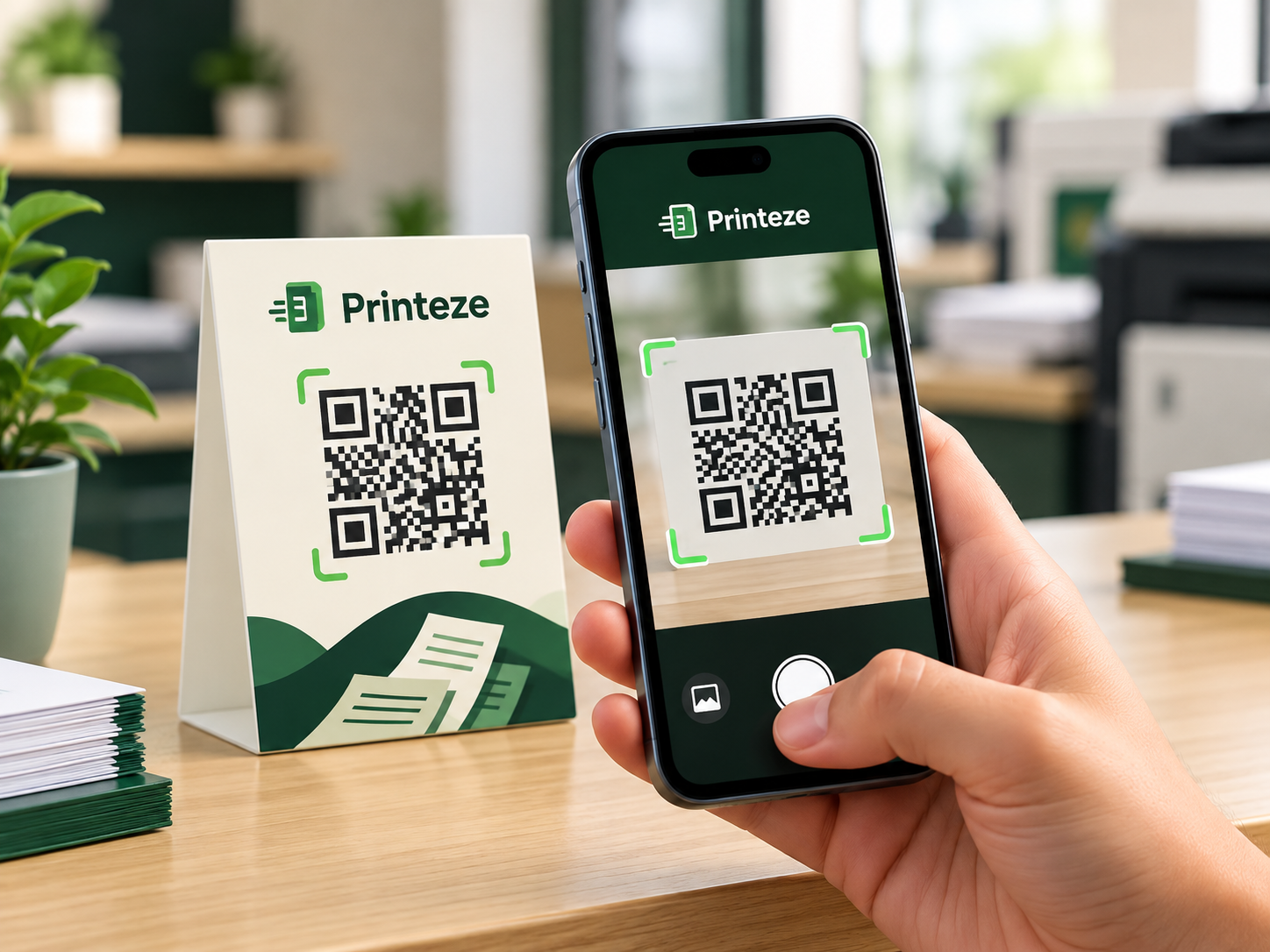
Scan QR
Scan the Printeze QR displayed at the print shop.
02
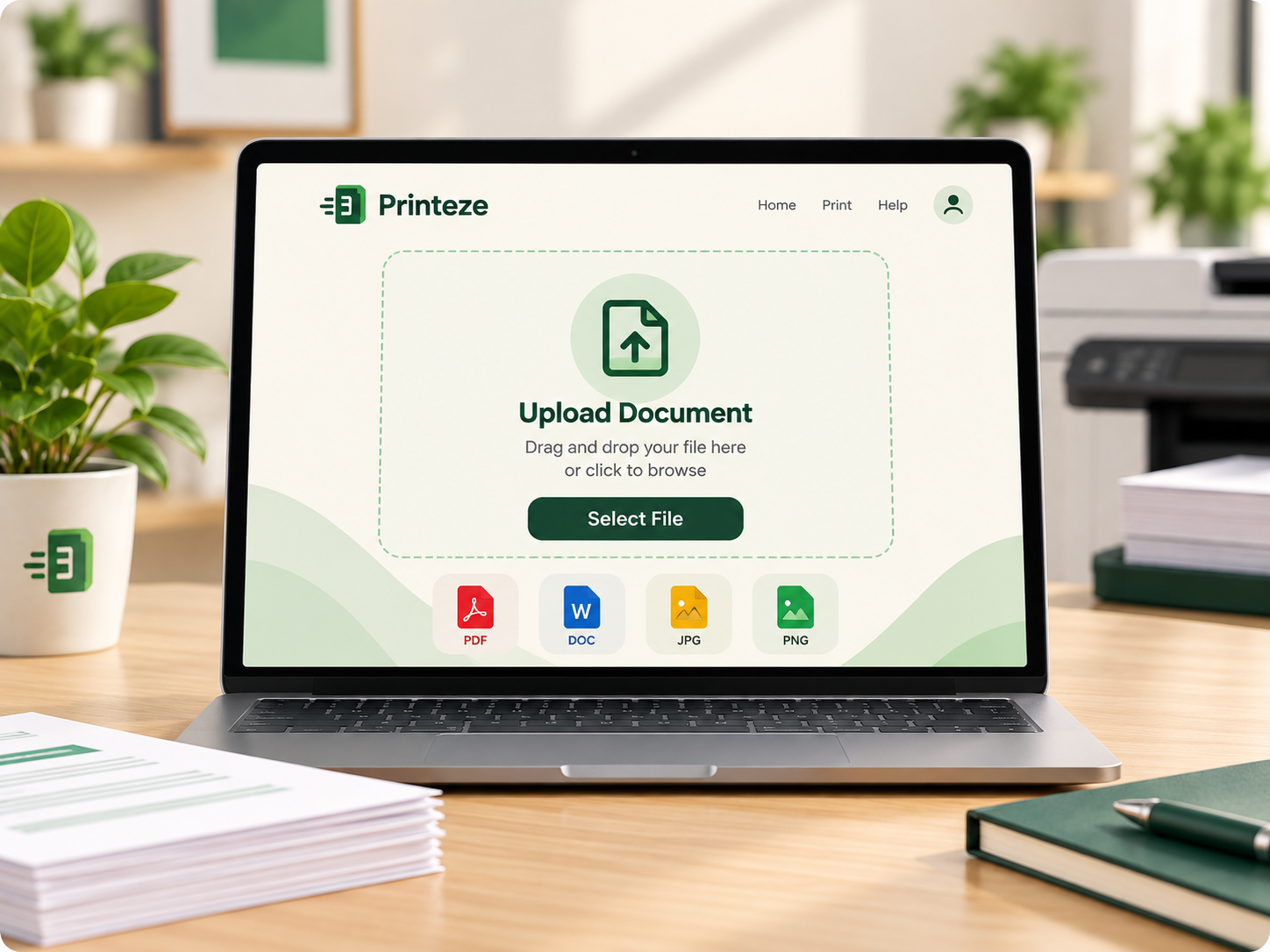
Upload Document
Choose the document you want to print from your device.
03
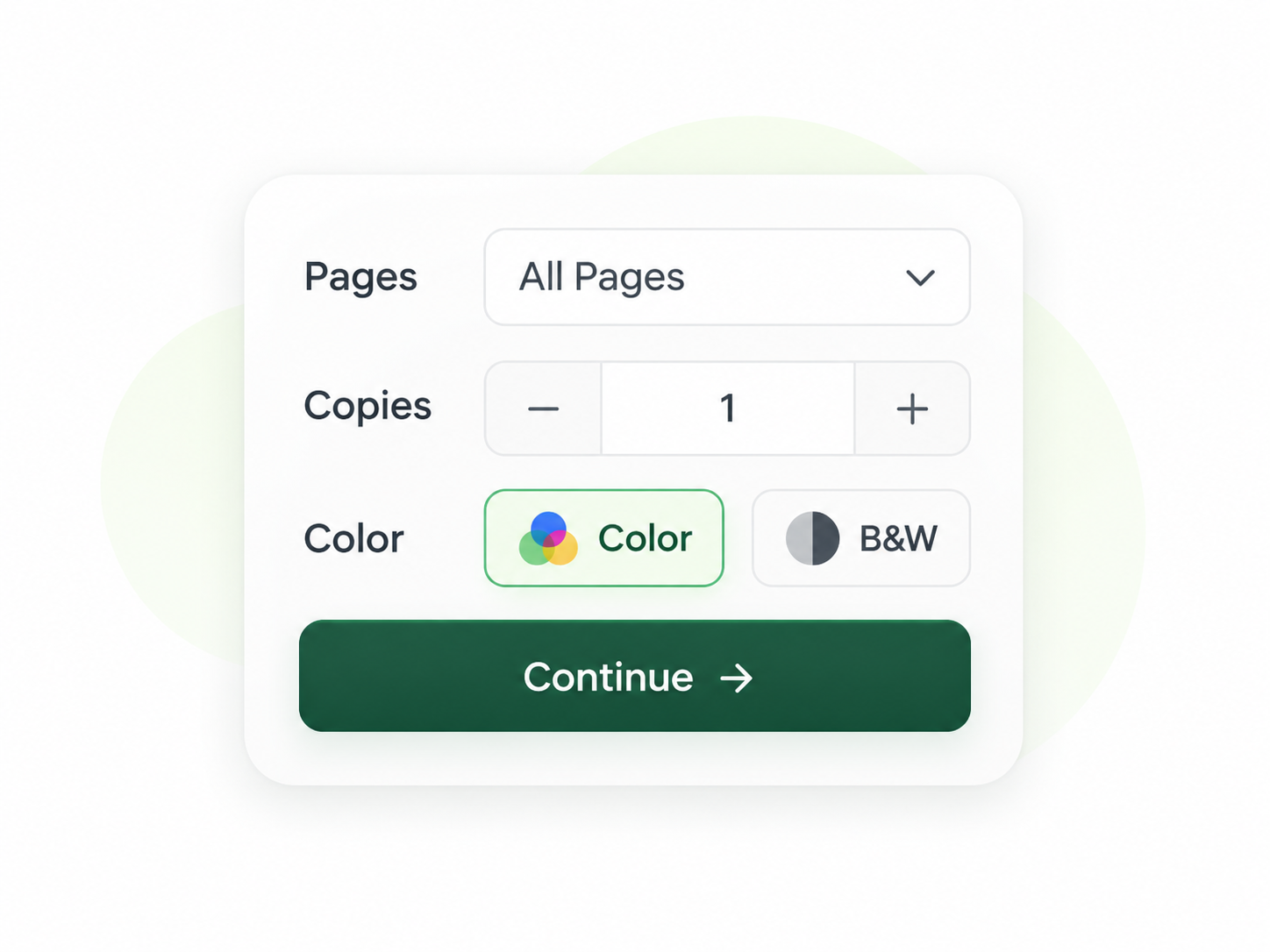
Choose Print Settings
Select pages, copies, color, and other print preferences.
04
Get OTP & Print
Receive your 4-digit OTP and give it to the operator.
No phone number sharing
Your number stays private.
No app required
Use Printeze directly from the browser.
4-digit print OTP
Give the code to the operator.
Temporary File Deleted
Files are removed after printing or expiry.
Upload
Secure temporary upload.
OTP-authorized printing.
Removed
Deleted after completion.
PRIVACY, BUILT IN
Your document stays only as long as needed.
Uploaded. Printed. Automatically removed.
No phone number sharing
Automatic expiry
Authorized shop access
Temporary document storage
Read the Privacy Policy
READY TO PRINT?
Scan. Upload. Print.
Send your print request in seconds without sharing your phone number.
See How It Works
OWN A PRINT SHOP?
Organize every print request.
Receive QR-based customer requests in one clean shop dashboard.
Explore for Print Shops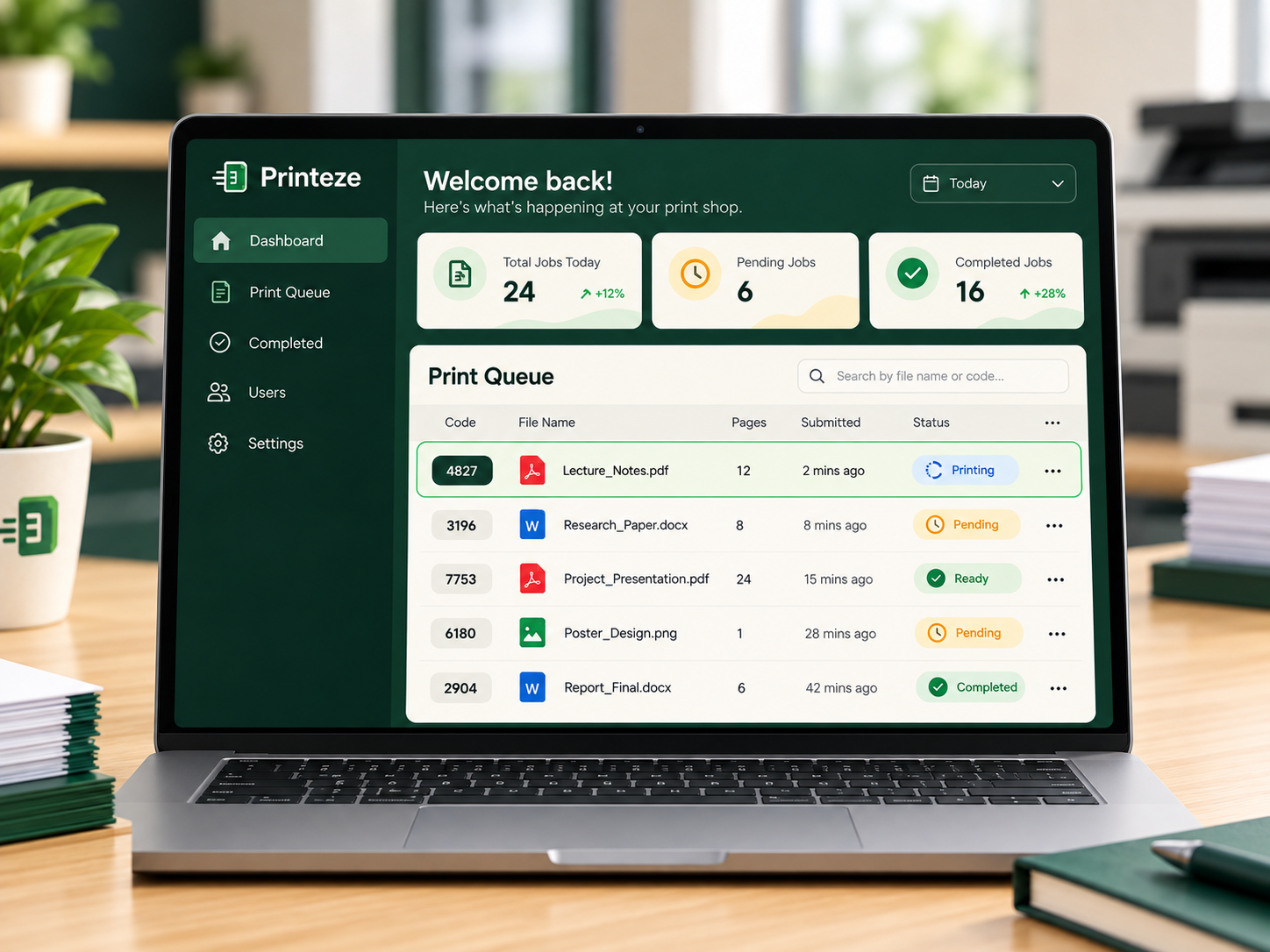
About Printeze
Printing should be simple, private, and local.
Printeze helps print shops receive customer documents through a simple QR-based workflow—without requiring customers to create an account or send files through personal messaging apps.
Learn More01
QUICK & EASY
Simple from scan to print.
Scan the shop QR, upload your document, choose your settings, and receive your OTP.
02
PRIVACY FIRST
Keep personal details private.
No customer account and no need to send files through personal messaging apps.
03
BUILT FOR LOCAL PRINTING
Customers and print shops, connected.
Printeze gives local shops an organized way to receive and manage customer print requests.